IPTV UK, made for your screen.
Explore British IPTV plans, compare clear term prices and get ready to enjoy entertainment on the devices you already use.
More moments worth staying in for.
From a quiet evening with a favourite series to family time around the television, the right setup makes it easier to settle in and find something to watch.
Explore live TV, films and series with availability dependent on your selected service and content rights.
Compare one, three, six and twelve-month options and see each full term price at a glance.
Check your TV, streaming device, tablet or phone and choose a player that fits your setup.
One living room. Plenty of ways to unwind.
Bring the household together around a screen you know. Browse for an evening film, catch up with a series or explore what is available to watch live.
Every home is different. Choose a term that fits your viewing habits and check the programme selection and applicable rights before you subscribe.
See the plans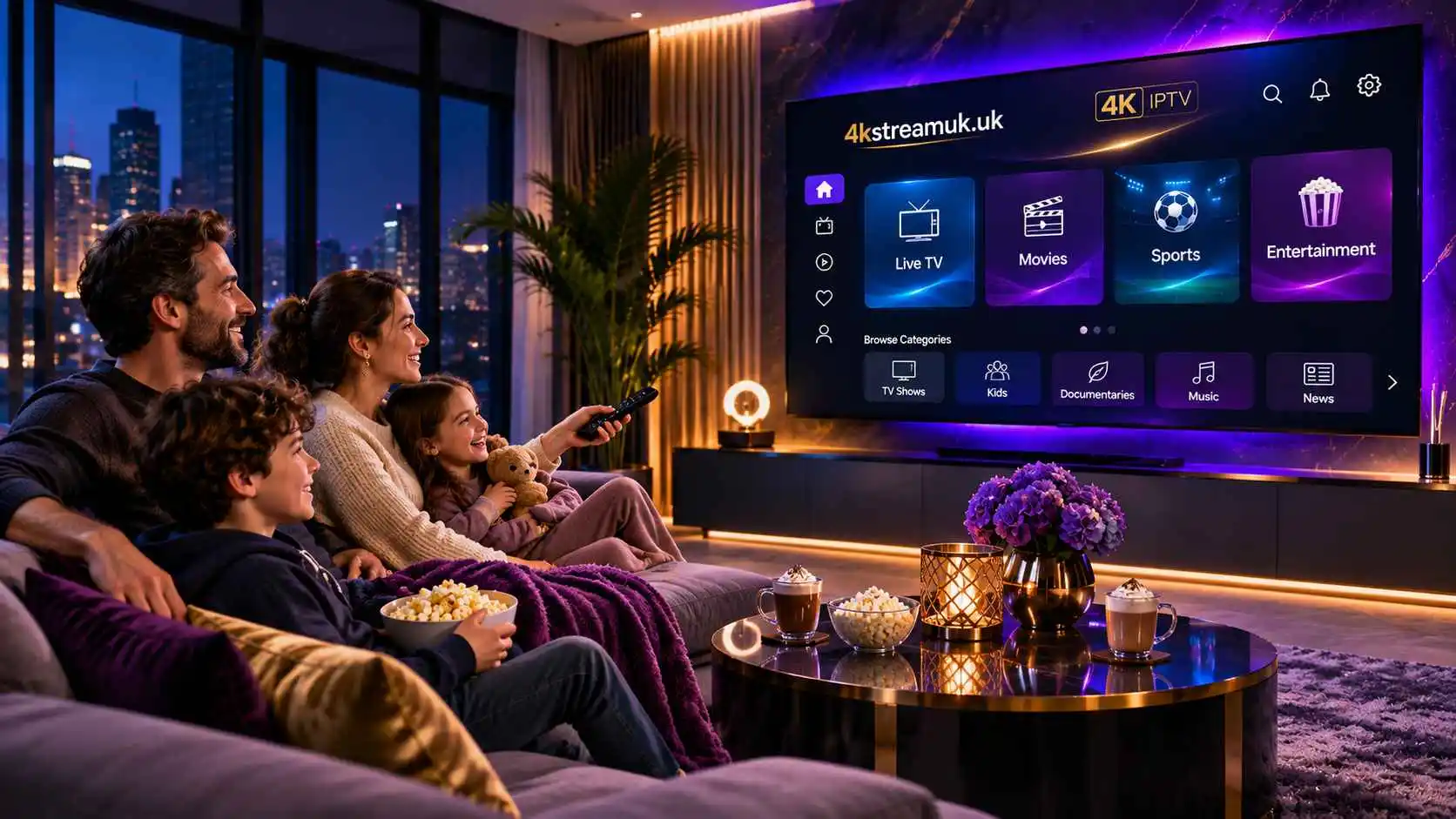
Choose your British IPTV plan
Compare four durations in Standard and Premium 4K. The figures below are the total price for each term, matching the requested reference.
Standard · Full HD viewing
1 Month
One payment for the full term
- Television streaming
- Full HD / 1080p quality
- A wide entertainment selection
- 25,000+ channels
- 140,000+ movies & series
- TV Guide / EPG included
- Works on devices & IPTV apps
- Easy setup guide included
- Instant activation & secure payment
- No contracts or hidden fees
- 24/7 support
- Service guarantee for the subscription term
3 Months
One payment for the full term
- Television streaming
- Full HD / 1080p quality
- A wide entertainment selection
- 25,000+ channels
- 140,000+ movies & series
- TV Guide / EPG included
- Works on devices & IPTV apps
- Easy setup guide included
- Instant activation & secure payment
- No contracts or hidden fees
- 24/7 support
- Service guarantee for the subscription term
6 Months
One payment for the full term
- Television streaming
- Full HD / 1080p quality
- A wide entertainment selection
- 25,000+ channels
- 140,000+ movies & series
- TV Guide / EPG included
- Works on devices & IPTV apps
- Easy setup guide included
- Instant activation & secure payment
- No contracts or hidden fees
- 24/7 support
- Service guarantee for the subscription term
12 Months
One payment for the full term
- Television streaming
- Full HD / 1080p quality
- A wide entertainment selection
- 25,000+ channels
- 140,000+ movies & series
- TV Guide / EPG included
- Works on devices & IPTV apps
- Easy setup guide included
- Instant activation & secure payment
- No contracts or hidden fees
- 24/7 support
- Service guarantee for the subscription term
Premium 4K · Enhanced viewing
1 Month
One payment for the full term
- 4K UHD streaming
- Lifetime Hot Player or IBO Player activation
- Premium channels
- 57,000+ channels
- 238,000+ movies & series
- A wide entertainment selection
- Stronger peak-time performance
- Premium EPG & catch-up
- Faster content updates
- Works on devices & IPTV apps
- Priority support
- No contracts or hidden fees
- Service guarantee for the subscription term
3 Months
One payment for the full term
- 4K UHD streaming
- Lifetime Hot Player or IBO Player activation
- Premium channels
- 57,000+ channels
- 238,000+ movies & series
- A wide entertainment selection
- Stronger peak-time performance
- Premium EPG & catch-up
- Faster content updates
- Works on devices & IPTV apps
- Priority support
- No contracts or hidden fees
- Service guarantee for the subscription term
6 Months
One payment for the full term
- 4K UHD streaming
- Lifetime Hot Player or IBO Player activation
- Premium channels
- 57,000+ channels
- 238,000+ movies & series
- A wide entertainment selection
- Stronger peak-time performance
- Premium EPG & catch-up
- Faster content updates
- Works on devices & IPTV apps
- Priority support
- No contracts or hidden fees
- Service guarantee for the subscription term
12 Months
One payment for the full term
- 4K UHD streaming
- Lifetime Hot Player or IBO Player activation
- Premium channels
- 57,000+ channels
- 238,000+ movies & series
- A wide entertainment selection
- Stronger peak-time performance
- Premium EPG & catch-up
- Faster content updates
- Works on devices & IPTV apps
- Priority support
- No contracts or hidden fees
- Service guarantee for the subscription term
The prices and feature lists mirror the requested BritCast reference. Ordering is not yet connected. Confirm the actual catalogue, features, availability and terms for this service before purchase. Picture quality depends on the source, device and connection.
Big screen. Small screen. Your screen.
From a compatible smart TV or streaming stick to a phone, tablet or laptop, begin with the device you prefer. Check the model and the availability of a suitable player before choosing your setup.
A supported device and a simultaneous connection are different things. Check how many screens your selected plan allows to play at the same time.
Read the setup guide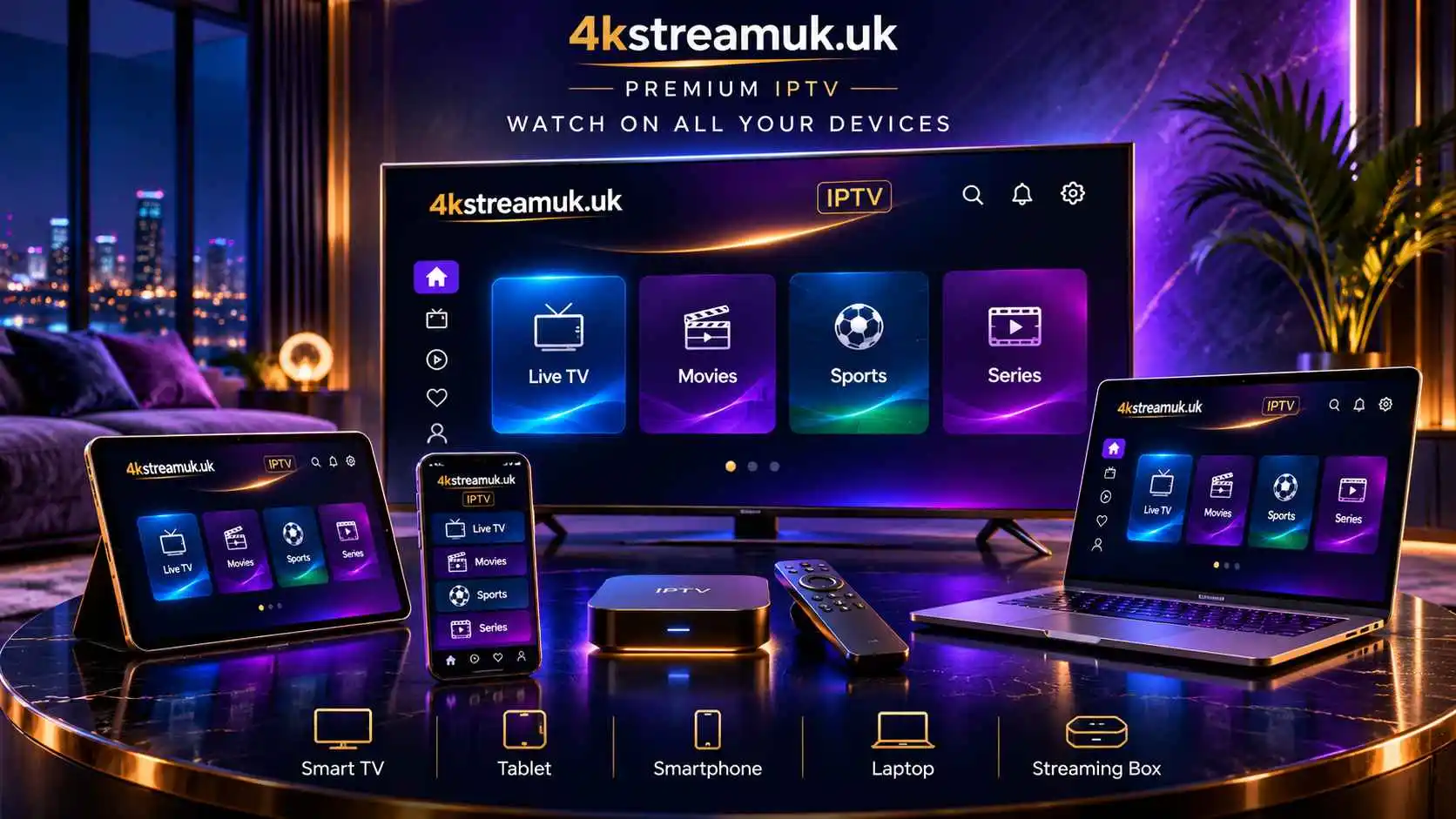
A more considered way to watch
Your favourite screen should make it easy to settle in, find something interesting and enjoy the evening. IPTV uses an internet connection to deliver television and video to a compatible player. Instead of depending on a dish or aerial for every programme, you use an app on a supported device and navigate the content available through your subscription. The experience depends on the device, the player, your connection and the rights associated with each stream.
4K Stream UK is designed around the practical questions that come before choosing a plan. How long do you want access? Will the television in your living room run a suitable player? Is the Wi-Fi strong enough where you actually watch? Our comparison puts the duration and total price up front, so you can choose a starting point that makes sense for your household. Check the exact channel list, device requirements and applicable terms before ordering.
What can you watch?
A varied viewing library can make one evening feel very different from the next. Browse live television for scheduled programmes and news, look for entertainment and documentaries, or choose a film or series when you would rather watch on demand. Availability can vary by package, location and the rights held for each programme; a title or channel shown in a promotional image should not be treated as a promise that it is included.
For families, a useful catalogue is not simply the largest number on a page. It should be easy to find age-appropriate programmes, recognise familiar categories and return to something you enjoyed. Check the current selection before deciding and use any parental controls offered by your chosen player. If there is a particular channel, event or programme that matters to you, confirm that it is available and authorised for your location before you pay.
Live sport has its own viewing requirements. A stable connection matters, especially when several people share the home network. Picture resolution and frame rate can differ between broadcasts, and an event may be subject to regional restrictions. Check the schedule and rights for the exact event instead of assuming that every match, race or competition is available.
British IPTV that fits the screen you already own
A streaming setup can be as simple as a compatible television connected to broadband, or it can use a separate streaming stick or box. Before choosing a player, identify the make and model of your device and check its current app store. Player availability, operating system requirements and setup steps can change, so the model number is more useful than a generic description such as smart TV.
Amazon Fire TV and Android TV devices often provide a convenient way to add apps to a television. On a compatible device, install an appropriate player from a trusted source, follow its instructions and enter only the credentials supplied for a service you are authorised to use. Do not share account details in a public chat. If a player asks for a separate activation or upgrade, check that cost before completing the purchase.
Selected Samsung and LG televisions support compatible player apps, although an older model may have a different app store or operating system. Apple TV, iPhone, iPad, Android phones, tablets and computers may also work with a suitable player. Screen size, remote controls and accessibility options vary, so try a layout that is comfortable to navigate. A device being compatible does not automatically mean that multiple people can watch at the same time.
The number of simultaneous connections is separate from the number of devices on which an app can be installed. For example, keeping an app on a living-room TV and a tablet does not necessarily permit both to play at once. Confirm the connection allowance for your chosen plan and ask how additional screens are handled before making a household decision.
Find the plan length that suits you
A one-month term gives you a shorter initial commitment. It can be useful when you want to assess the player, check the strength of your home connection and see whether the available selection matches your routine. Consider the full price for the term, rather than comparing only a monthly equivalent, and make a note of the expiry date.
A three-month option offers a longer period for people who know when they expect to watch but do not want to commit for a full year. Six months may fit a household with an established viewing routine. Twelve months has the lowest monthly equivalent in the Standard comparison above, but the full annual amount is paid up front. A longer term is only good value when the service, compatibility and terms meet your needs.
The Standard and Premium 4K options are different ranges, not simply two names for the same package. Standard is presented for Full HD viewing, while Premium lists 4K UHD and additional features. The image you actually see depends on the source, player, display and broadband connection. A 4K television cannot turn every programme into a native 4K broadcast, and some titles may only be available at lower resolutions.
Prices and feature lists in the comparison mirror the requested BritCast reference. Confirm availability, exact inclusions, support arrangements and commercial terms for 4K Stream UK before purchasing. The comparison does not create an automatic renewal or a charge by itself.
Get ready in three straightforward steps
First, choose the screen you intend to use most often. Check its model, internet connection and app store, then compare the term and the feature list. If you are unsure whether your television supports a suitable player, a streaming stick may offer another option, but verify compatibility before buying additional equipment.
Second, review the total price and plan details. Ask how many screens may play simultaneously, whether the player itself has a separate fee, what happens at the end of the term and how to get help. Save a copy of the applicable terms and any order confirmation. Only complete a payment through the official checkout once one is available and you understand what you are buying.
Third, follow the instructions for the specific player and device. Enter your details carefully, allow the guide or library to load, and test a few different categories. If something does not work, note the exact error message, device model and player version. That information makes it easier to distinguish a network issue from an app setting or an account question.
A steadier connection starts in your living room
Run a speed test close to the television, not only beside the router. A phone held in the same place as the streaming device can give you a useful first indication of Wi-Fi coverage. Speeds vary throughout the day and are shared with other activity, so repeat the check when the household is busiest. A wired Ethernet connection can be a practical alternative when the device and room allow it.
If playback pauses, start by checking whether the issue affects one programme or every stream. Restart the player and device, check for system and app updates, and test another app on the same connection. If other services also struggle, move closer to the router or investigate congestion on the home network. Avoid changing several settings at once: one change followed by a test makes the cause easier to identify.
Picture quality can adjust to the source and the available connection. A larger screen may make compression or a lower-resolution source more noticeable. Check display settings on the television and the streaming device, but remember that the quality of the original programme remains an important limit. No internet service can guarantee uninterrupted playback under every network condition.
A clear guide to IPTV in the United Kingdom
Internet Protocol television describes a way of delivering television using an internet network. People sometimes use IPTV as a broad label for several kinds of online viewing, but the technology alone does not establish what a provider is entitled to distribute. Before subscribing, check that the service has the appropriate rights for the channels and programmes it offers in your location.
For UK viewers, TV licensing requirements depend on what you watch and how you watch it. Live television and BBC iPlayer have specific rules, so consult the official TV Licensing website for your circumstances. A subscription to a streaming service does not automatically replace any licence you may need. Content rights, regional availability and individual service terms also apply.
A player application is a tool for displaying a stream; it is not necessarily a content subscription. Some players are free and some charge for optional features or activation. Read the app’s own terms, check who provides the content, and keep the two purchases separate in your mind. This distinction makes it easier to understand what you are paying for and who can help if something goes wrong.
Making the right choice for your household
Start with the programmes and devices that matter to you, then compare the cost and conditions. A large catalogue is less useful if it is hard to navigate or does not include the content you actually want. Ask for a current list, check language and regional options, and look for a guide that makes it easy to browse scheduled programmes.
Consider everyone who may use the television. A simple remote, readable text and a familiar app layout can make a bigger difference than a long feature list. If children use the same screen, review the player’s parental settings and keep account credentials private. If someone needs subtitles or audio description, confirm those features for the specific programme and device.
Finally, keep the support route and your order information in a safe place. When requesting help, share only what is necessary and never send your password in a public forum. Clear information about the device, the time of the issue and the message on screen is usually more useful than a screenshot of private account details. A little preparation helps you choose confidently and makes everyday viewing easier.
Frequently asked questions
What is IPTV UK?
IPTV describes television delivered over internet protocol networks. In everyday use the phrase can refer to a range of internet television services. You need a suitable connection, a compatible player and authorised access to the programmes you want to watch. Exact availability, picture quality and setup requirements depend on the service and the device.
What is the difference between Standard and Premium 4K?
The comparison above shows the requested Standard and Premium feature lists side by side. Standard is presented for Full HD, while Premium includes 4K UHD where a compatible source, screen and connection are available. Check the precise package details and terms before ordering; resolution can vary between individual programmes.
Can I use a Firestick or a smart TV?
Many Fire TV, Android TV and selected smart television models can run compatible IPTV players. Check the app store and operating system on your particular model before purchasing. A separate player may have its own charge or activation process, and compatibility may change when device software is updated.
How many screens can I use at once?
The number of simultaneous streams depends on the plan and its terms. Installing a player on several devices is not the same as having several concurrent connections. Confirm the allowance you need before buying, particularly if people in different rooms expect to watch at the same time.
What internet connection do I need?
A reliable connection is more useful than a headline speed measured in another room. Test your network near your television, especially in the evening when other people are online. The bandwidth needed varies with resolution and other activity. Where practical, a wired connection can reduce the effect of weak Wi-Fi.
Is a TV Licence required?
UK licensing rules depend on your viewing. Live television and BBC iPlayer have specific requirements. Visit the official TV Licensing website to check your own circumstances. A streaming subscription does not automatically include a TV Licence, and programme rights and regional restrictions remain relevant.
Does a player app include a subscription?
Not necessarily. An IPTV player is software used to view streams; a subscription, where offered, is a separate service. Some apps charge their own activation or upgrade fee. Review both sets of terms and make sure you are authorised to watch the content you access.
How do I choose between one, three, six and twelve months?
Think about how long you expect to use the service, then compare the full amount due today and the cost per month. A short term reduces the initial commitment; a longer term may reduce the monthly equivalent. Check the current terms and what happens at expiry before selecting any plan.
For licensing guidance, visit TV Licensing.
Ready to find your fit?
Compare the durations, check the screen you plan to use and review the details that matter to your household.
Compare all plans